Is the design picture my final proof?
No. It is a quick guide to placement. The free proof is drawn to your exact product size and sent before anything is printed.
Choose a display from our photos, upload your logo, drag it into place and size it. Send the picture with your sizes and we reply with a price and a free proof.
Click a photo on the left, upload a PNG, JPG or SVG of your logo, then drag it or use the arrow keys. The slider changes its size.
Choose a display box
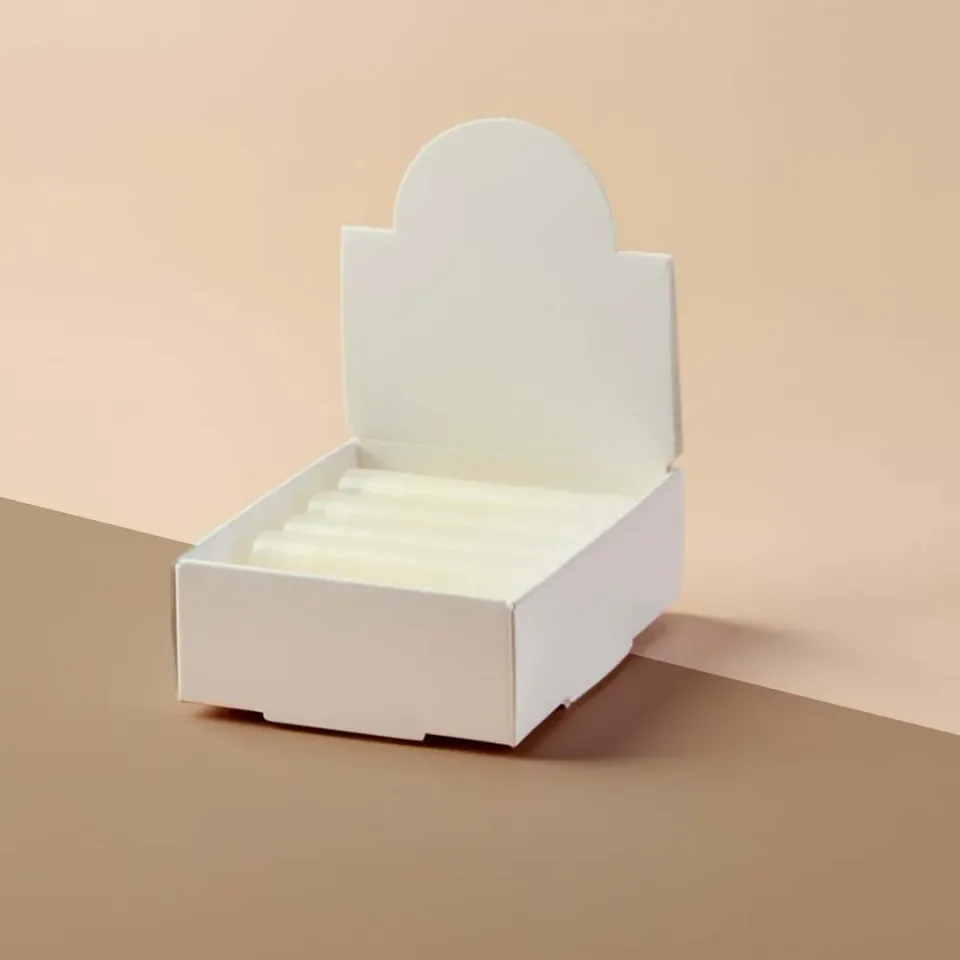

It shows your logo laid on a photo of a real display we have made, so you can judge size and placement before you talk to a designer. It is a guide, not a proof. The photo has its own sample print, which will be replaced by your artwork on the real job.
We receive the picture, your original logo file and your sizes. A designer then draws the display to your product dimensions and places the logo to scale on the dieline. That free proof comes back by email for you to approve or change.
A PNG with a transparent background or an SVG gives the cleanest preview. For printing, we prefer vector files such as AI, EPS, SVG or a PDF with outlined text, but a high resolution PNG works for most headers. If you only have a low resolution logo, send it anyway and tell us; we can advise on redrawing it.
On counter displays the header card is the natural home for the logo, with the product name or offer on the front lip. On shelf ready trays the front panel matters most because the top is often hidden by the shelf above. On floor units the header and the side panels facing the aisle carry the brand. If you want help, say so in the form and the designer will suggest a layout on the proof.
No. It is a quick guide to placement. The free proof is drawn to your exact product size and sent before anything is printed.
Your file is only used to prepare your quote and proof, and it is sent straight to our team by email with your request.
The preview blends the logo into the photo so it looks printed rather than pasted on. The real print is solid colour.
Yes. Click the logo or tab to it, then use the arrow keys. Hold Shift to move it in larger steps.
Pick the closest one and describe the real style in the form. The photos are only there to help you picture your logo on a display.
Send the rest of your artwork with the brief at the bottom of the page or by email. The designer adds it to the proof.
Sizes help us price it straight away. If you do not have them yet, send the picture and we will ask.
Tell us your brand colour references on the form. Screens vary, so the proof is the place to agree colours before printing.
Yes. Upload your logo once, then click through the photos. The logo stays loaded while you switch.
No. It is a request for a price and a proof. You only order when you approve the quote and the proof.